 GMB Planet
Free Google review QR code generator
Paste your Google review link, get a QR code and a printable card for the counter. Print at least 3 cm wide on a plain background. Use it on receipts and business cards too — every scan should open Google’s own review form.
Updated

Table tents, counter signs, posters and stickers, print-ready. Plus replies to every review.
No card. From $15 a month after the trial.How to find your Google review link
- Open your profile
Search your business name on Google while signed in as the owner.
- Ask for reviews
Click “Ask for reviews” on your Business Profile.
- Copy the link
Copy the short link Google shows and paste it above.
Google review cards and signs
Get the full kit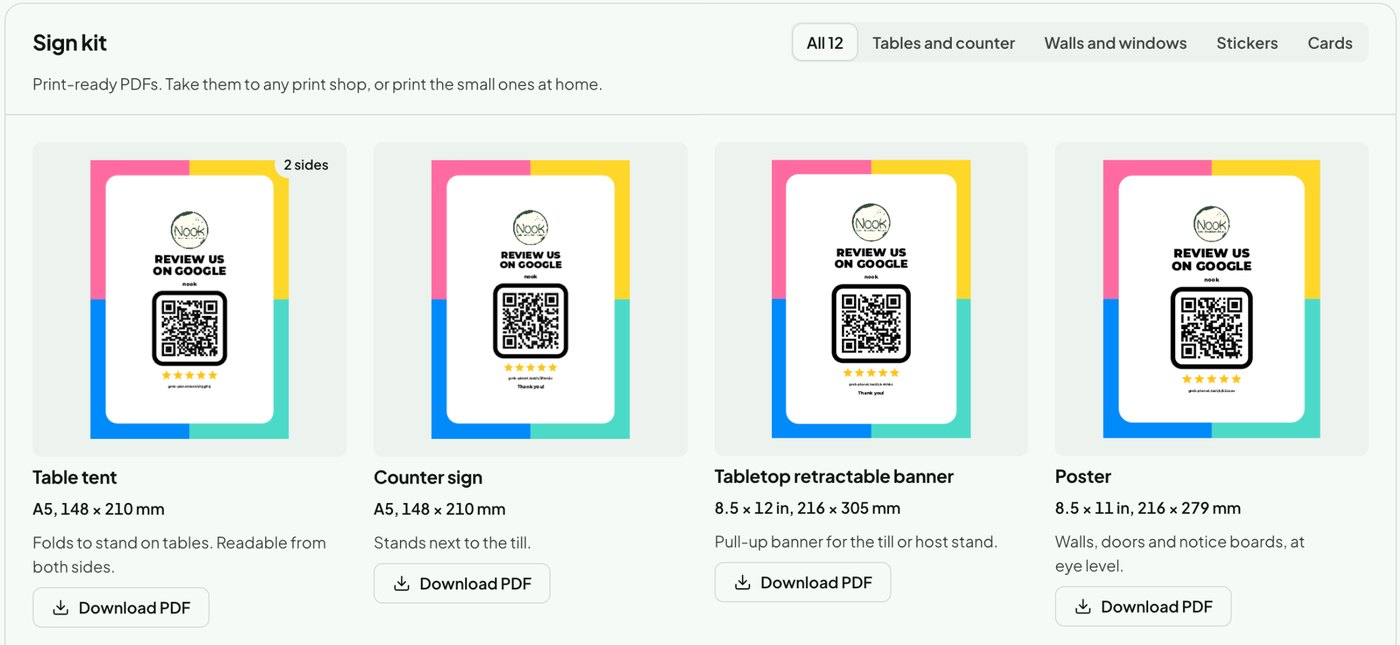
How to get more Google reviews with a QR code
- Put it where people wait. The till, the table, the waiting room — anywhere a phone can scan without a queue.
- Ask out loud too. “Would you scan this for us?” works better than a sign alone.
- Make it big enough. At least 3 cm wide, on a plain background, with clear space around the code.
- Ask everyone the same way. Google doesn’t allow asking only happy customers. Every GMB Planet sign opens Google’s own form.
- Add it to receipts and cards. People review later, at home, on the same Google review link.
- Reply to every review. People see replies and are more willing to write one. In GMB Planet, 3 to 5 star replies can go out on their own.
Questions
Is the QR code free?
Yes. Make and download as many as you like.
Does it expire?
No. It points straight at your Google review link.
Where should I put it?
Where people wait or pay: till, tables, door, receipts.
Can I ask only happy customers?
No. Google doesn’t allow review gating.
What size should the QR code be?
Print it at least 3 cm wide on a plain background so phones can scan it easily. Keep space around the code and avoid busy patterns behind it. Counter cards, till stickers, and window stickers work well at that size.
Can I use the QR code on receipts and business cards?
Yes. Put it on receipts, business cards, bags, or any print where customers can scan. Every sign and link should open Google’s own review form — no review gating. In GMB Planet you also get 12 print-ready review signs with your logo and QR code, ready to download as a PDF.
Can I change the link later?
The code points at your Google review link. If your business moves to a new Google profile, make a new code with the new link — the old print will still open the old form. Print at least 3 cm wide on a plain background, and you can use the same link on receipts and business cards. When you want 12 signs with your logo in one PDF plus auto-replies in the reviewer’s language, start a 7-day GMB Planet trial with no card from $15 a month after.
Does the free QR tool need a sign-up?
No. Paste your Google review link, download the PNG or printable card, and you are done. No account and no card. GMB Planet adds your logo across 12 print-ready signs and answers reviews every day when you want the full kit — 3 to 5 star auto-replies, 1 and 2 star replies held for you, from $15 a month after a free trial.
More reviews, every one answered.
When you want signs with your logo and replies sent on their own, start a 7-day GMB Planet trial with no card required.
Start 7-day free trial